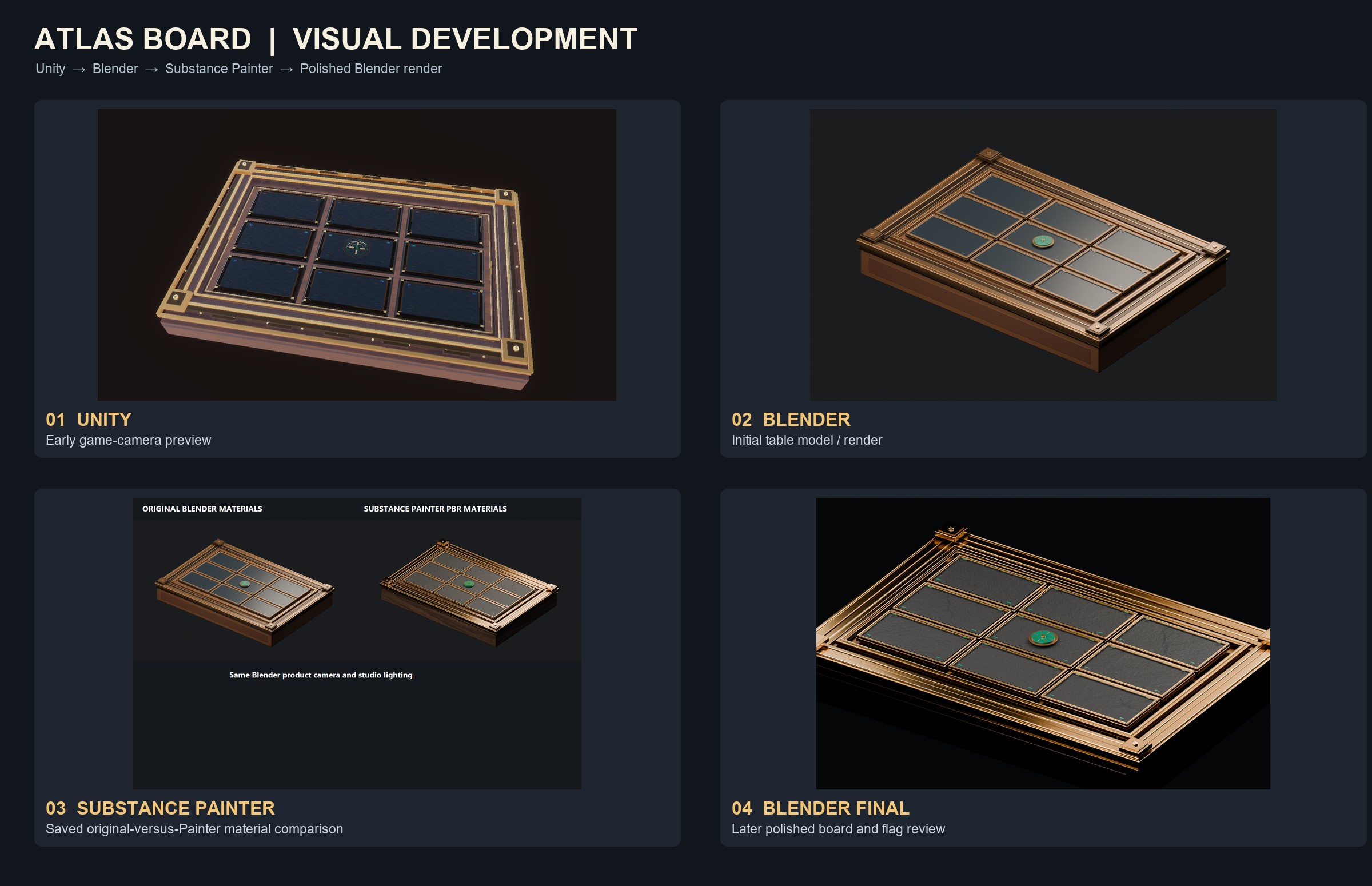
A tabletop comes together through a series of art decisions. These milestones show how our first board preview evolved as we developed the model and its finishes.
Starting in Unity
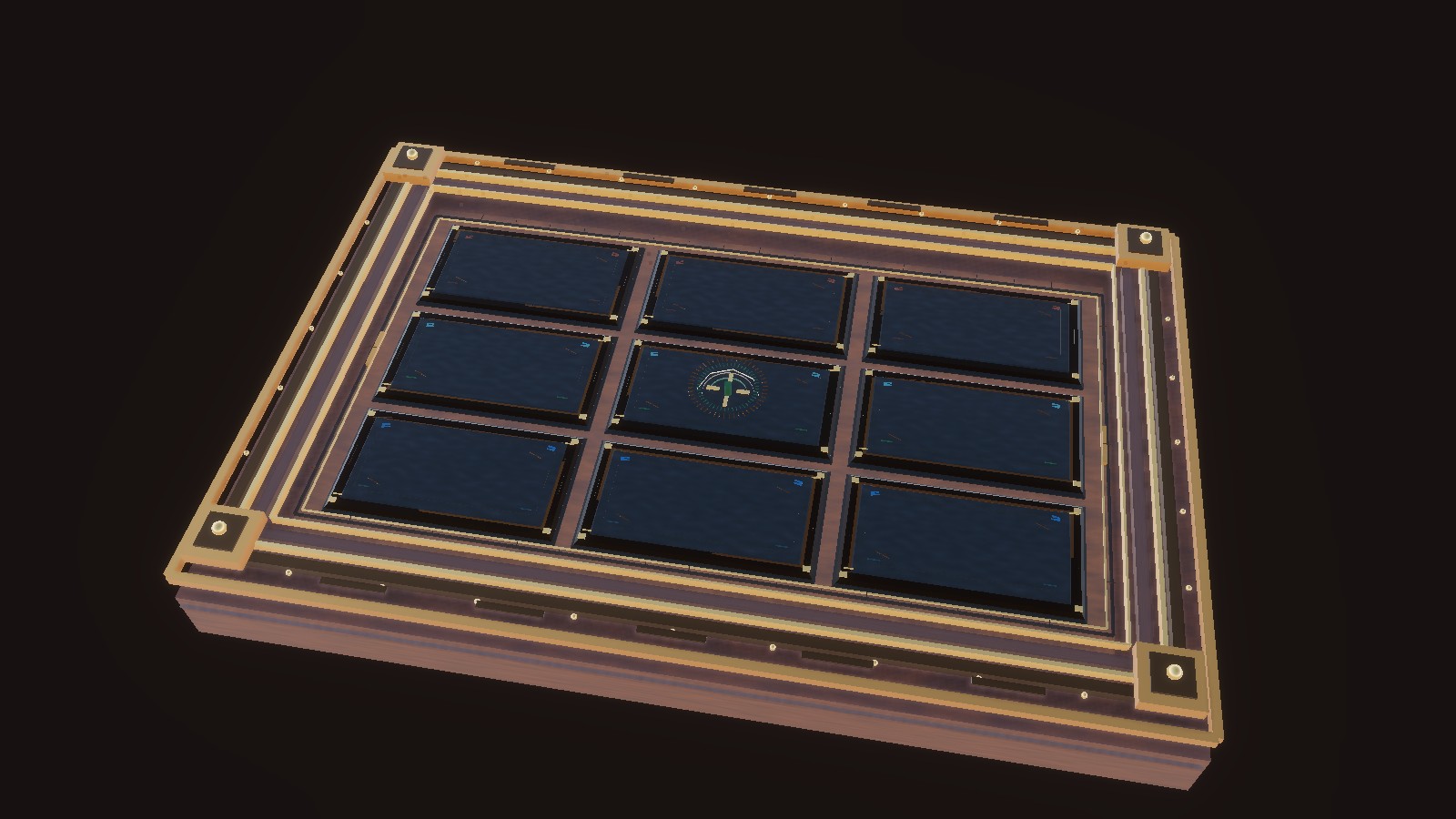
Our early Unity camera preview established the tabletop composition and the viewpoint players would eventually see. It gave us a starting point for sizing the board, positioning decorative details, and checking whether the play area could be understood at a glance.
This first look was a functional reference rather than a finished environment. We could identify which surfaces needed more definition and where a richer presentation would help without making the board harder to read.
Building the first Blender board
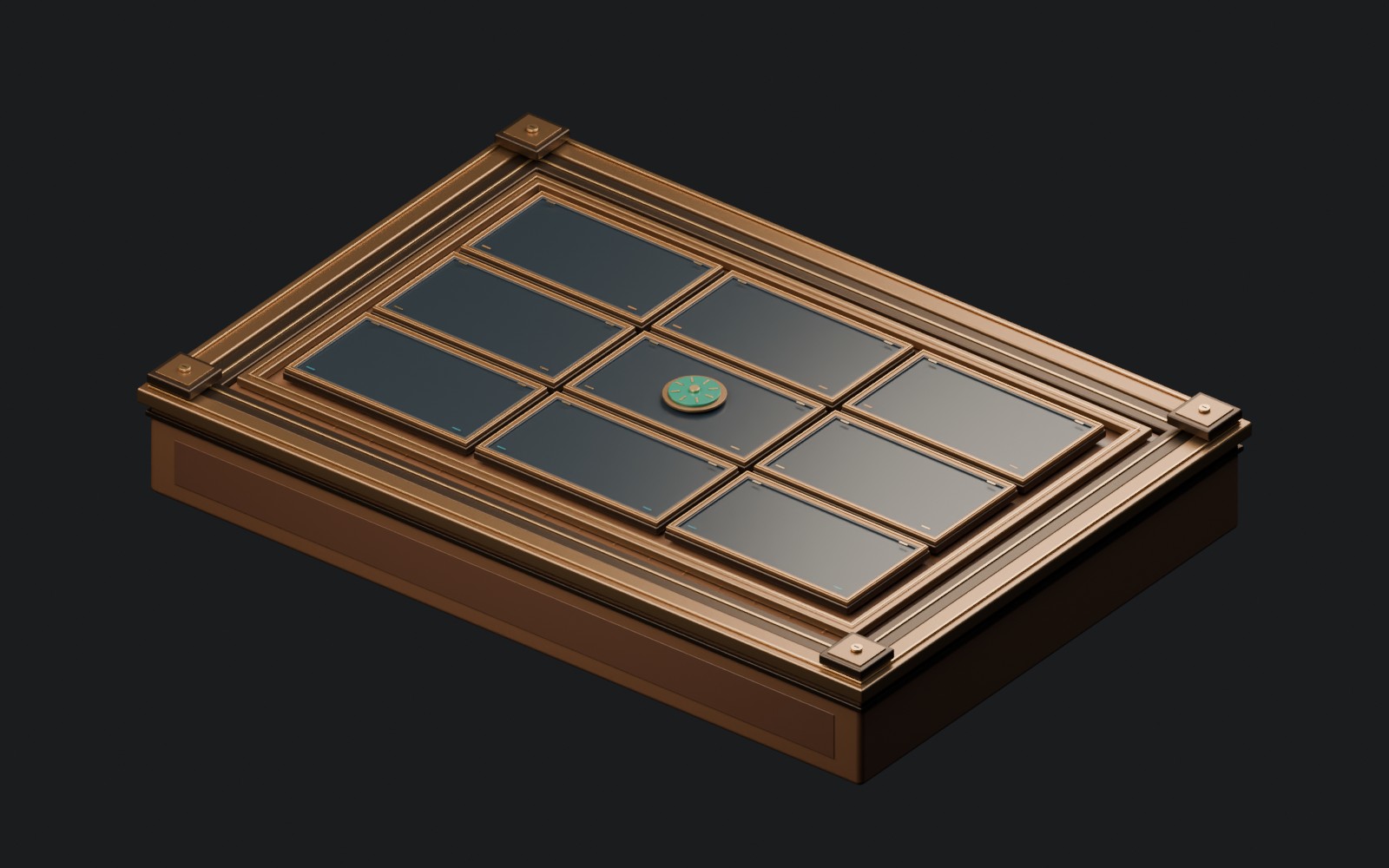
Blender gave us room to shape the tabletop into something more deliberate. We refined the silhouette, woodwork, trim, and arrangement of the board's features so the physical table could carry as much character as the gameplay.
At this stage, the focus was on form, scale, and composition. We kept the Unity viewing angle in mind while developing the details.
Adding surface character in Substance Painter
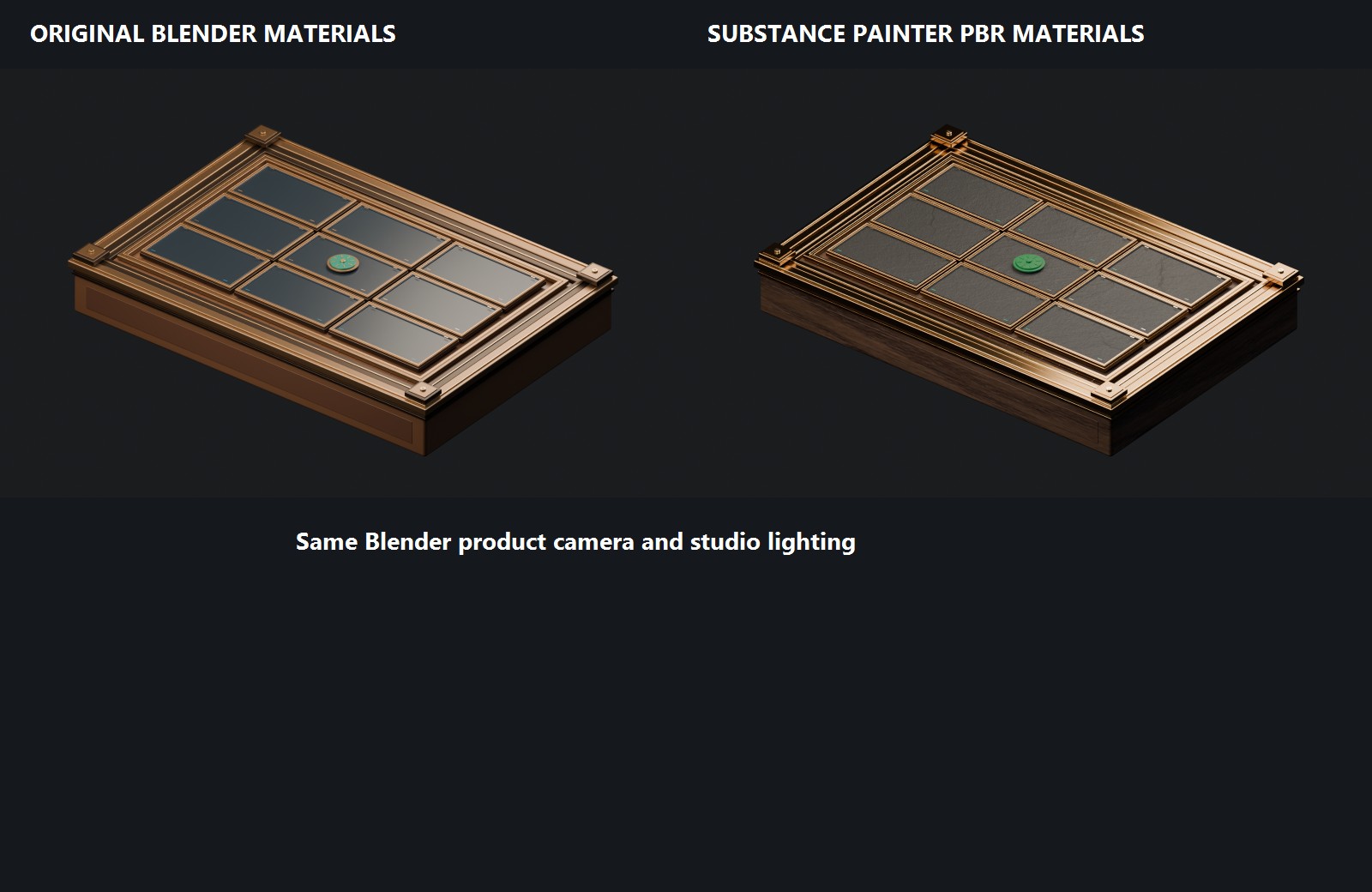
Once the structure felt stronger, we moved into material development with Adobe Substance 3D Painter. Wood grain and finish, bronze and brass accents, and the contrast between dark and reflective areas became the priorities.
The saved image is itself an original-versus-painted comparison. It documents how the surface treatment changed the appearance, rather than representing a single straight-on screenshot from Painter.
Reviewing the polished Blender render
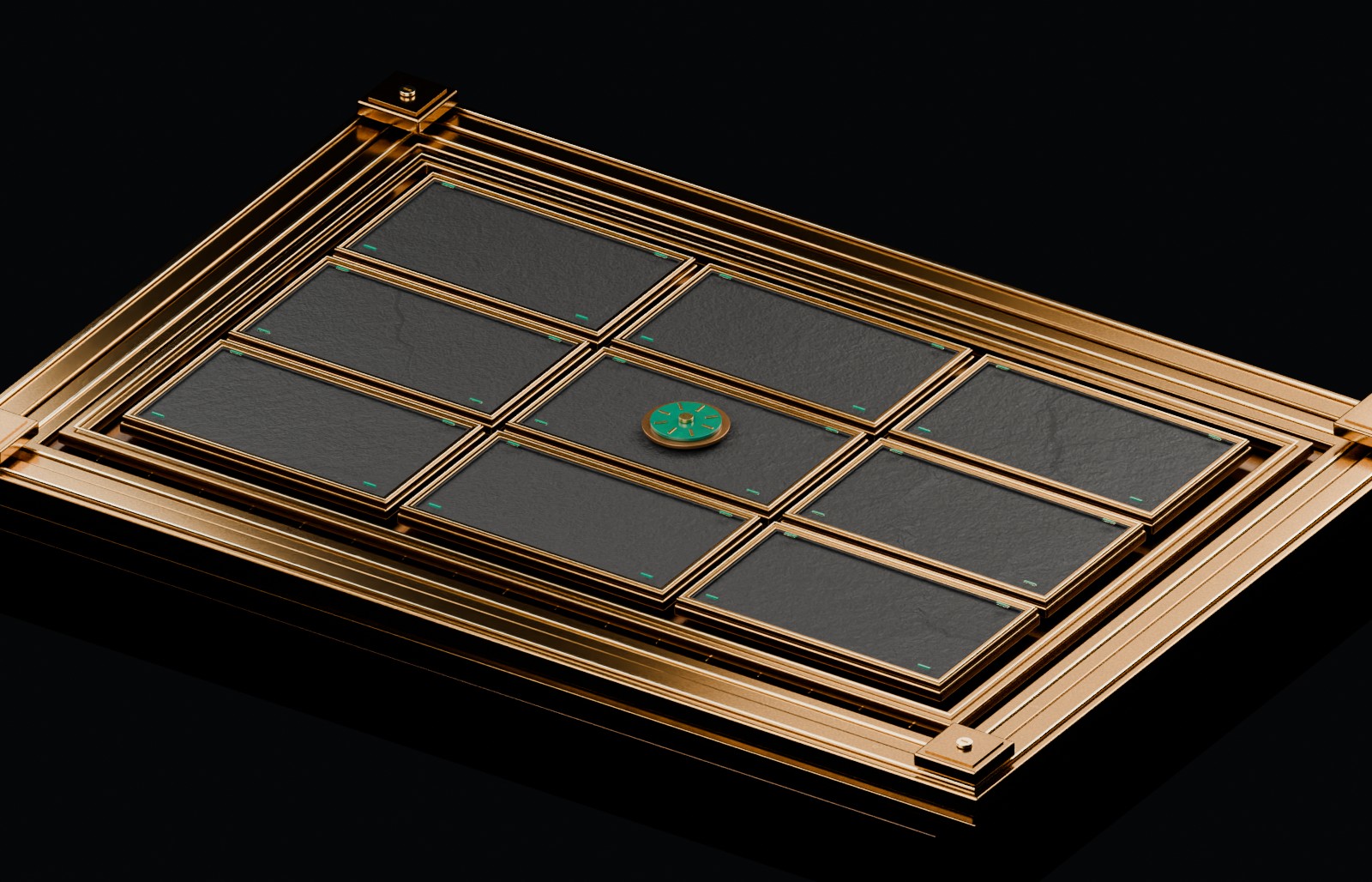
The later Blender review pulls these ideas together into a more cohesive board, with richer surface finishes and a more pronounced flag centerpiece. It gives us a visual reference for the look we want to preserve.
The next challenge is matching that character in Unity HDRP. Exposure, directional lighting, reflections, and the surrounding environment all influence how materials appear, so we compare revisions rather than simply making the scene brighter.
Seeing the progression together
Looking across all four stages makes the changes in form, contrast, and materials easier to appreciate. The goal is not only a beautiful render: it is a board that feels equally believable and legible in Unity.